A modern Windows endpoint operations workspace for Intune, ConfigMgr and SCCM, servers, kiosks, Windows IoT, and hybrid-managed estates that need clearer remote control and faster troubleshooting.
Operational Intelligence + MPA Tools
Veles Software builds purpose-built solutions for Microsoft IT operations: MPA Tools for remote endpoint management and troubleshooting, and Oviera, the AI IT Operator for complex Microsoft environments.
When software needs delivery support, Veles IT Solutions can extend it with architecture, automation, and security services.







MPA Tools gives administrators a faster path to endpoint evidence and action. Operational Intelligence helps teams explain tenant-wide change, operational risk, and environment behavior. Together, they move IT teams from signal to evidence to resolution with less friction.

A modern Windows endpoint operations workspace for Intune, ConfigMgr and SCCM, servers, kiosks, Windows IoT, and hybrid-managed estates that need clearer remote control and faster troubleshooting.

The AI IT Operator that brings current information, organizational knowledge, and specialist agents together so your team gets fast, evidence-backed answers.
Use either platform on its own, or pair the software with Veles IT Solutions when your team wants implementation, automation, or security engineering around it.
The issue is not lack of tooling. It is the gap between day-to-day operational software, Microsoft platform complexity, and the engineering support required to keep environments stable, secure, and accountable.
Operational Visibility
Teams can see alerts and tickets, but still spend too long figuring out what actually changed across Intune, Entra ID, Microsoft 365, and endpoints.
Tool Sprawl
Admins bounce between consoles, scripts, and remote sessions just to answer basic operational questions or push routine fixes.
Delivery Gap
Even strong software needs the right architecture, governance, security model, and rollout design to create measurable business outcomes.
Microsoft Complexity
Customers often need product capability and expert Microsoft services together, especially when software must fit identity, endpoint, compliance, and automation strategies.
Veles Software closes the software gap. Veles IT Solutions closes the delivery gap.
Veles Software keeps the home page centered on products: practical SaaS that helps IT teams see what is happening, understand why it changed, and act with better evidence.
Operational intelligence that helps teams explain tenant change, policy movement, endpoint signals, and risk patterns without stitching together every answer manually.
Remote endpoint management and advanced troubleshooting for Intune, ConfigMgr, SCCM, servers, kiosks, Windows IoT, and hybrid Windows estates.
The products are shaped around the platforms IT teams already operate: Microsoft 365, Entra ID, Intune, Azure, ConfigMgr, SCCM, and Windows endpoints.
Veles Software stays product-led, while Veles IT Solutions is available when teams want expert implementation, automation, security, or engineering delivery around the software.
Start with the platform that matches the work in front of your team, then add services only when implementation or delivery help is needed.
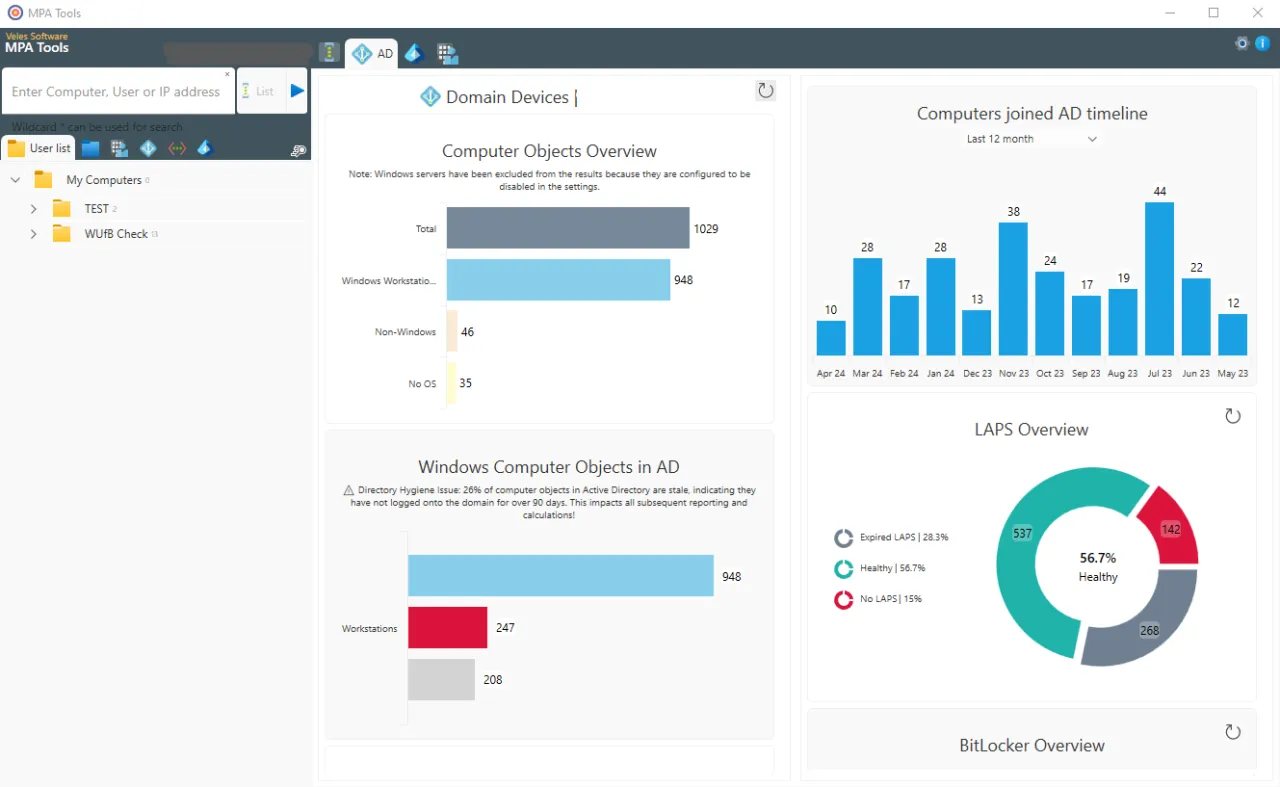
MPA Tools helps administrators move from charts, inventory, and device state into the next practical action across mixed Windows endpoint estates.
Teams can work through Intune device, policy, script, update, and remediation context with a workflow designed for active troubleshooting.
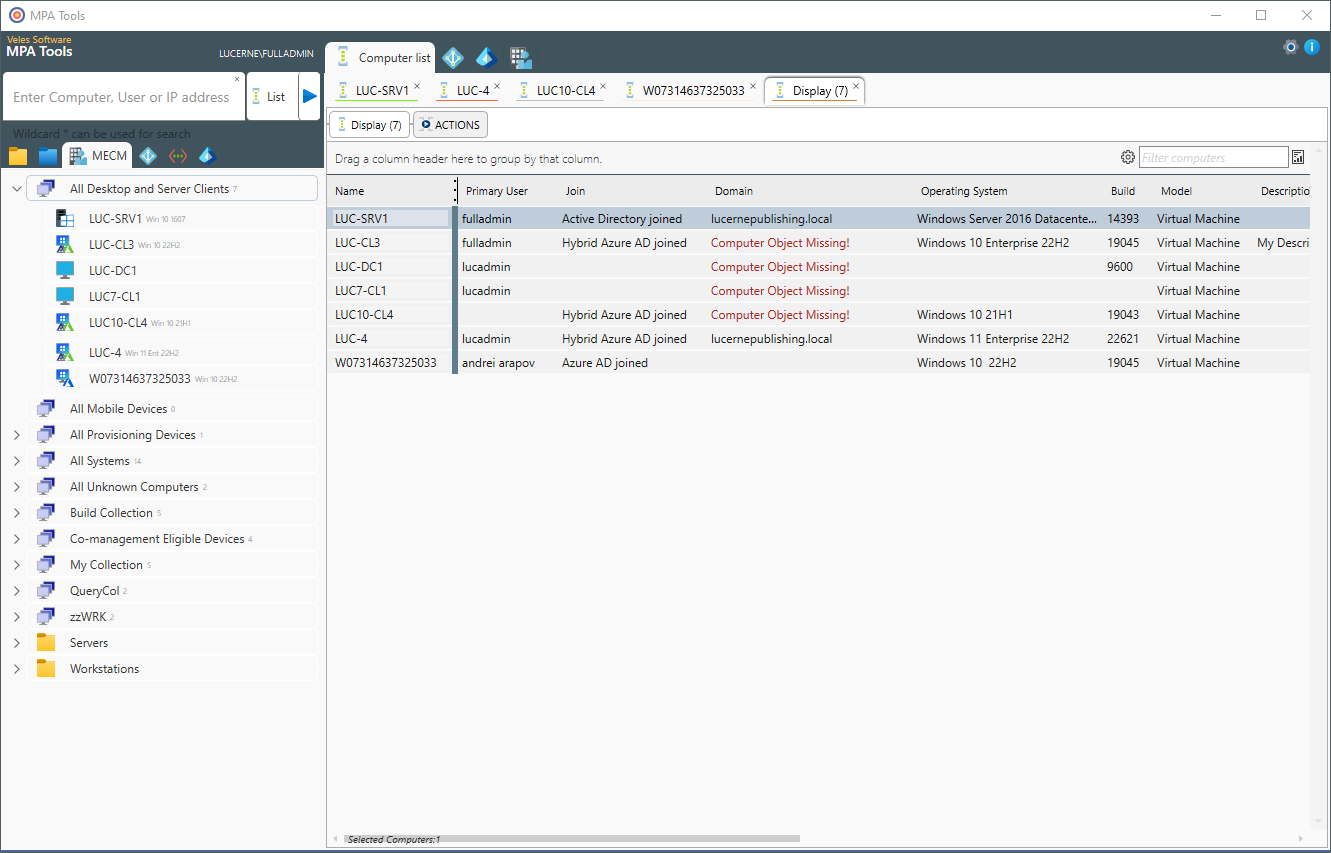
ConfigMgr, SCCM, Intune, servers, shared devices, and specialized endpoints can stay part of the same operating conversation instead of becoming separate blind spots.
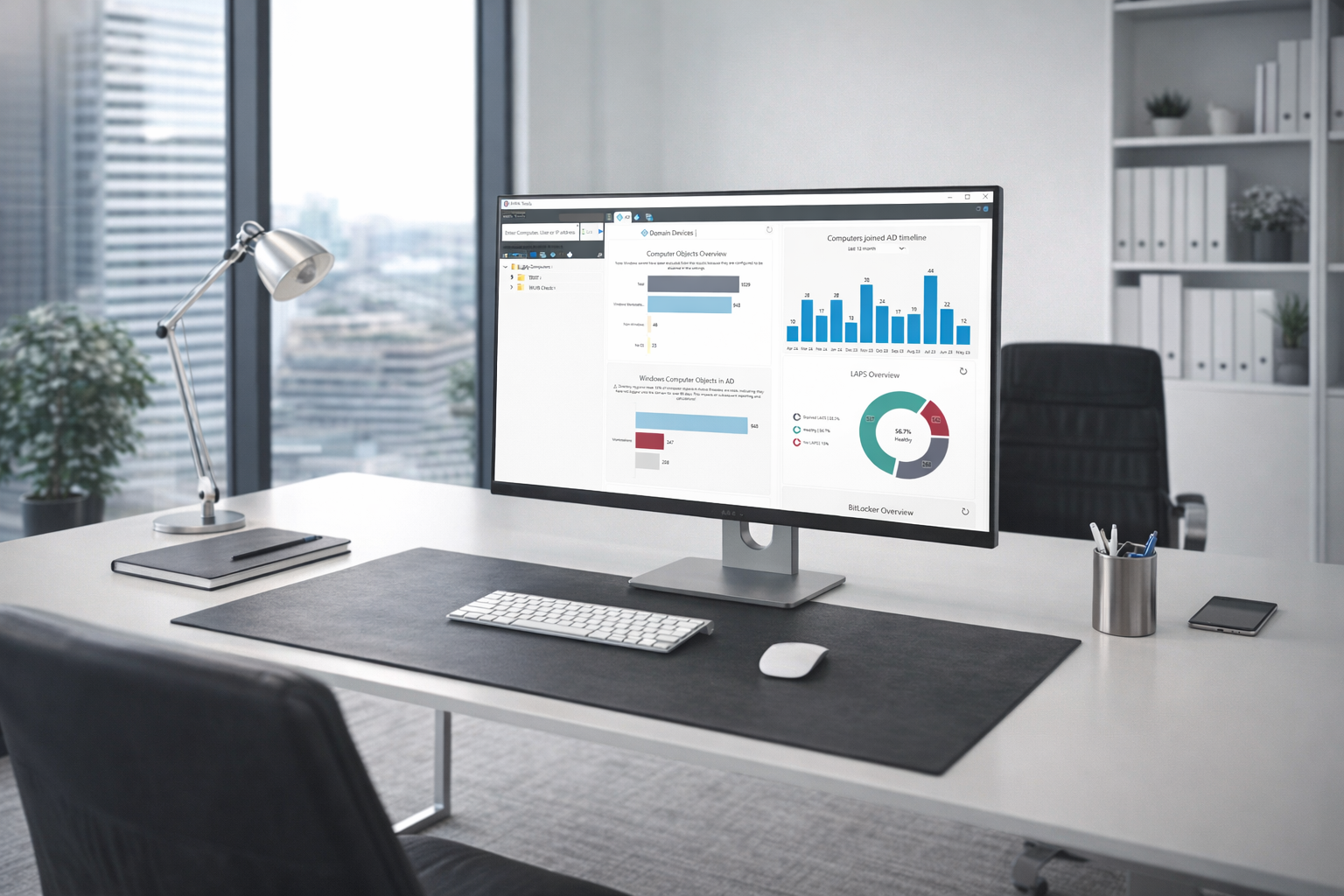
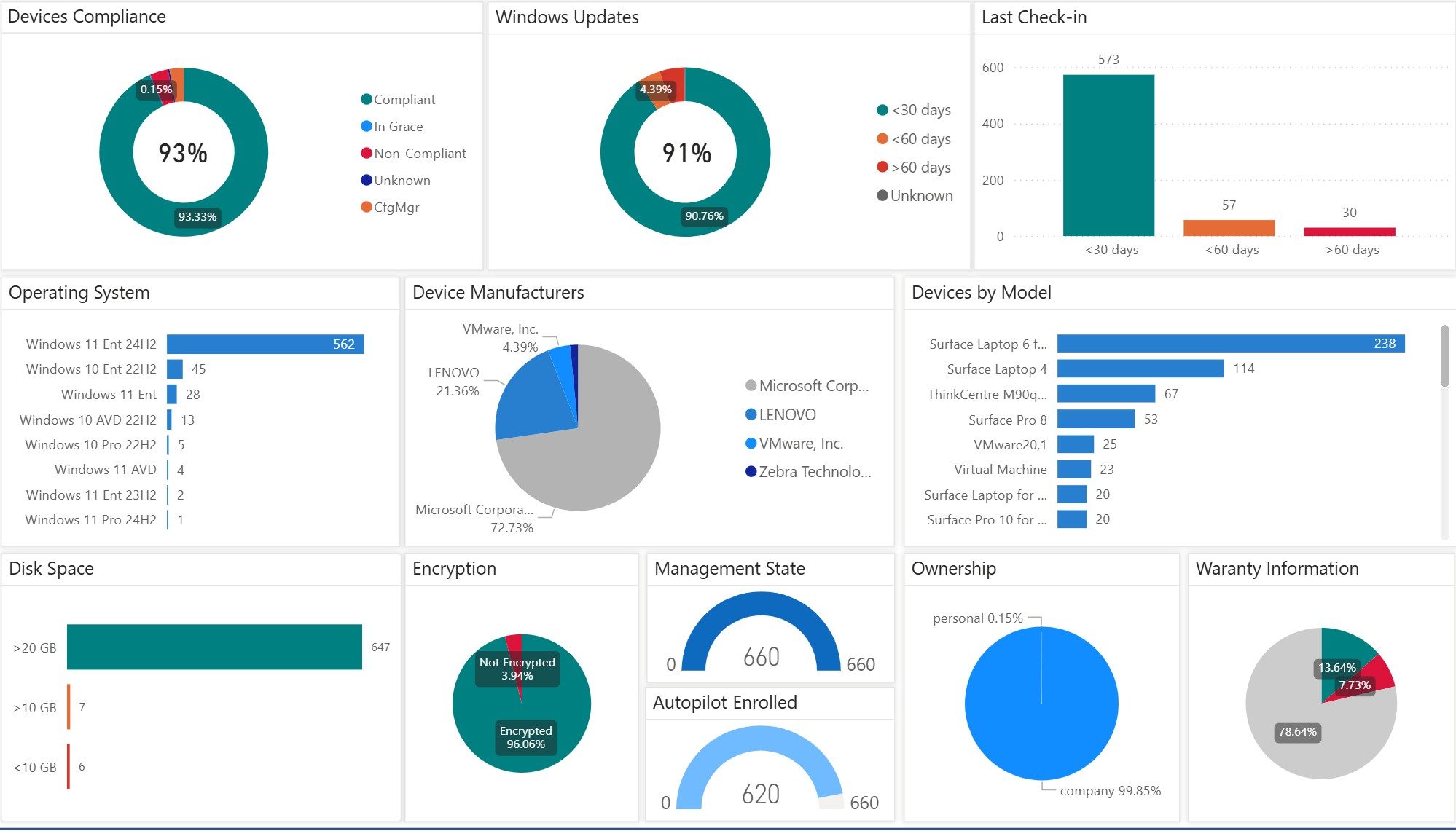
Use current Veles Software production visuals to show the workflows behind the promise: endpoint evidence, policy context, client health, and reporting surfaces that point toward action.
Review domain-joined device patterns, operating system versions, stale objects, and fleet-level signals from the same administration workspace.
Connect policy, update ring, script, remediation, and managed device evidence to the support conversation already in progress.
Bring SCCM client health, deployment state, inventory, and reporting context into day-to-day troubleshooting without rebuilding the same investigation elsewhere.
Turn environment details into the next remote action, automation candidate, or escalation note instead of stopping at another static dashboard.
Active Directory charts
2
SaaS platforms for Microsoft IT operations
75%
faster issue resolution highlighted across current Veles Software materials
1
software-first path with services available when teams need help
Deploy Operational Intelligence or MPA Tools as focused platforms for your IT team, then bring in Veles IT Solutions when you need architecture, automation, or security work around them.
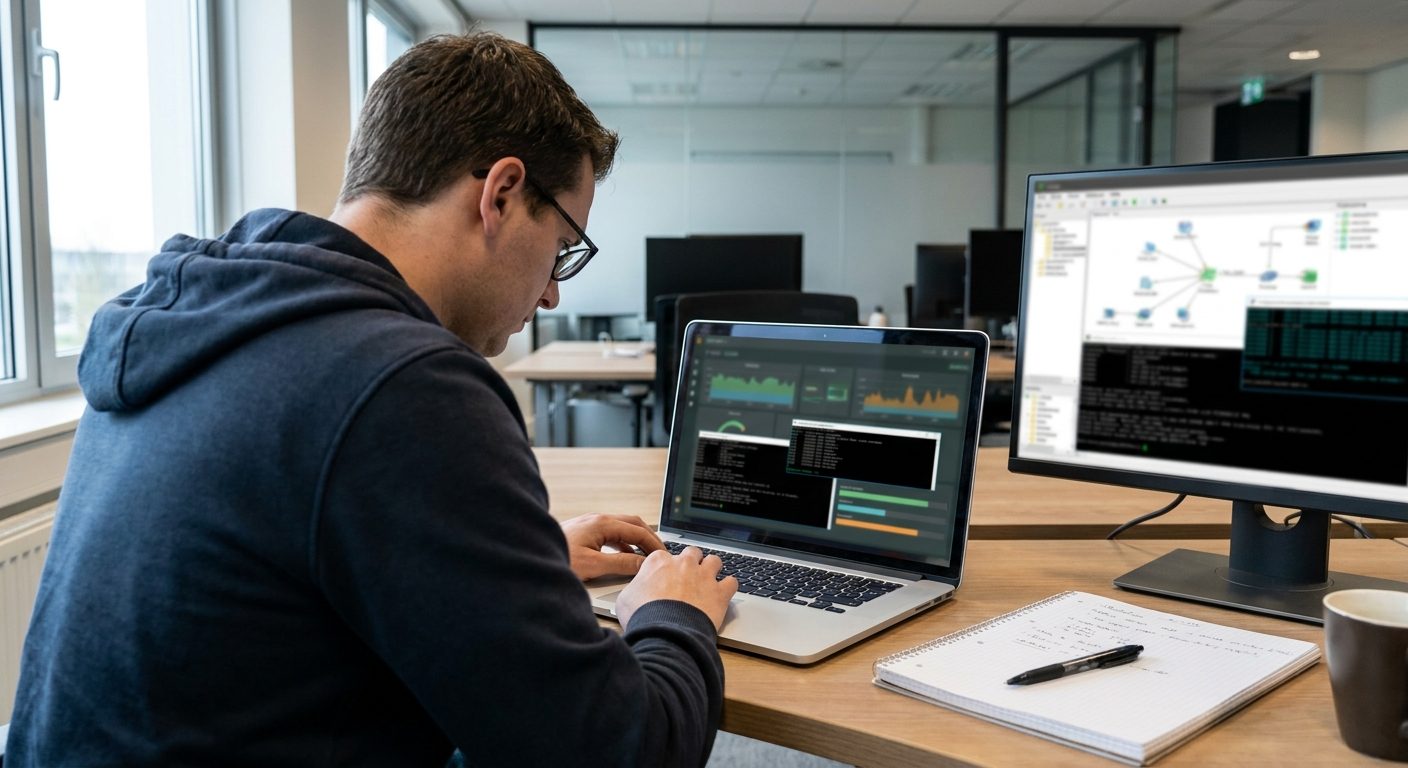
Microsoft Intune has become the go-to platform for managing and maintaining modern Windows devices. One of its most powerful capabilities, Proactive Remediation, helps admins detect and fix issues automatically using PowerShell. But there’s a major limitation: Intune doesn't display detailed script output.
Read Article
Artificial Intelligence (AI) is revolutionizing IT management by automating troubleshooting, analyzing issues faster, and providing intelligent insights. MPA Tools leverages Azure OpenAI to integrate AI-driven assistance into IT support workflows, enhancing how IT professionals diagnose and resolve issues.
Read Article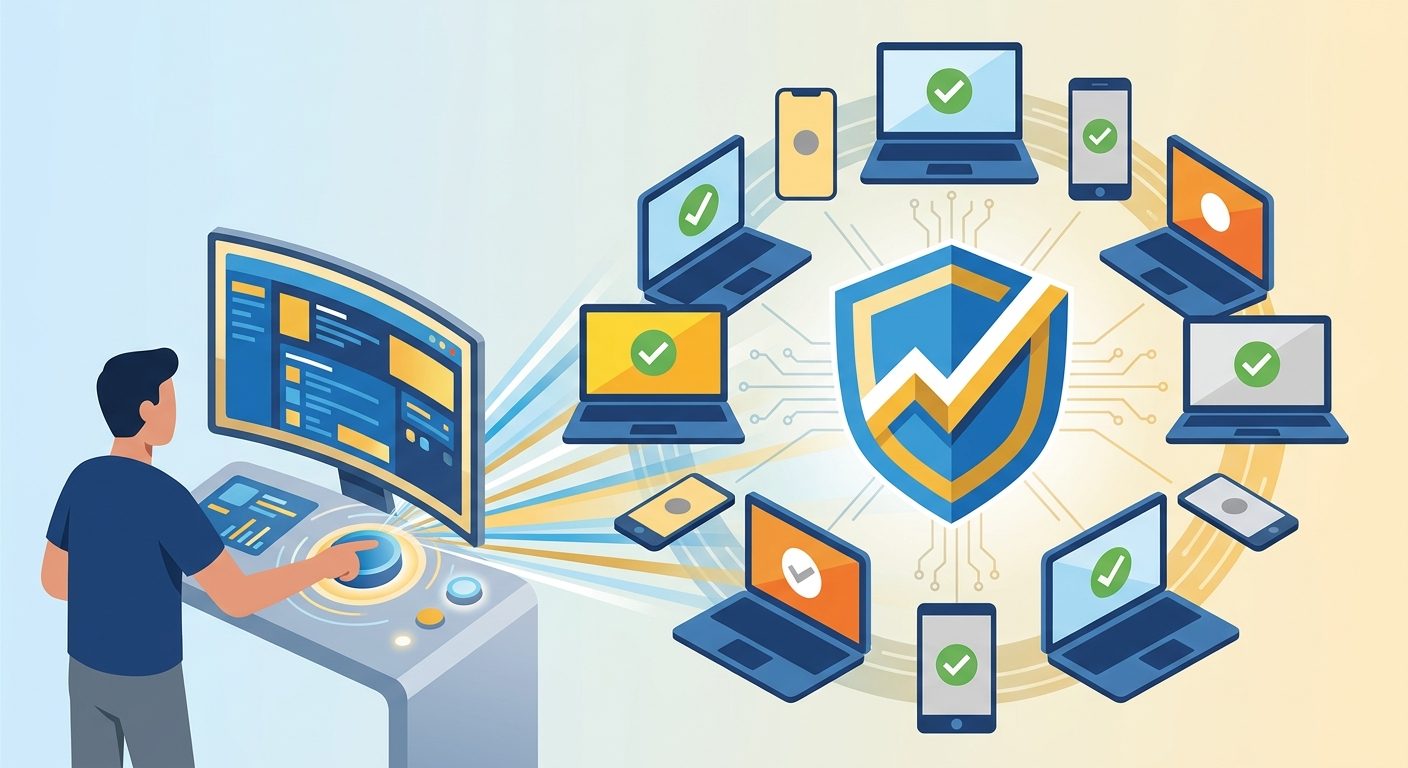
Hey, hard-working fellow sys admins! If you’re managing devices through Intune, you know that keeping them compliant isn’t just a checklist item—it’s a must-have for securing our network and data. Intune usually keeps everything in check automatically, but there are times when we need to give it a little nudge to manually enforce compliance .
Read Article
Following our post about Improving Google Chrome Update Success Rates , we are going to look deeper into scenarios where doing a full Chrome remediation is required. We will start with identifying the common installation failures that will prevent Chrome from installing successfully. Then we will outline what steps should be performed to fully clean up all blockers that could cause installation issues. Just as an advance warning, we will be delving deeper into Windows Installer and the Google Chrome Enterprise Msi, so this post will be quite long and technical.
Read Article
In this post, we will go through the Google Chrome installation behaviour and how to increase your deployment success rates. And we will look at why keeping Google Chrome up to date is an important part of housekeeping.
Read Article